Cwork v0.3.1
Working today · v0.3.1

All of HR, company-widewith no per-seat fee

Payroll to Thai law, attendance that is hard to fake, approvals from a phone, and employee data kept safe under PDPA — in one system, installed on your own server. You pay for the machine and nothing else: no charge per employee, no annual contract.

Your IT team installs it with three Docker commands — send them the steps

The running product, not a mock-upREC · demo company

Problems and fixes

Six HR problems Thai businesses pay for every month

None of them is fixed by a single feature. For each one, several parts of Cwork work together to close the gap for good — not just move the problem somewhere else.

Your HR bill grows with every hire

Most HR systems charge per employee per month: every hire raises the bill, the contract renews yearly, and all your employee data lives on the vendor’s servers.

How Cwork fixes it

  • No licence fee, no per-seat feeOpen source under Apache-2.0. Twenty employees or two thousand cost the same: the server.
  • One machine, no DevOps teamThree Docker commands. PostgreSQL alone does the work of a queue, a cache and a lock service — no Redis, no Kafka.
  • Your data stays yoursIt lives in your company’s own database. Back it up, move it, or stop using Cwork whenever you like — nobody locks you in.
  • Room to growRun the API on several machines by changing one setting.
What does your HR system cost you a year?
people
฿

Use the price you actually pay — the number filled in is only an example.

฿

A small VPS is enough for a company of a few hundred. Enter 0 if you already have a server.

You would save, per year

฿0


Your system now · 50 people × ฿120 × 12 months ฿0
Cwork · licence ฿0
Cwork · server, per year ฿0
Closing payroll should not be a gamble

A spreadsheet only one person understands, progressive tax, social security and several overtime rates — one mistake costs money, time to fix, and your employees’ trust.

How Cwork fixes it

  • Computed to Thai lawProgressive withholding tax, social security, provident fund, and overtime rates from the Labour Protection Act.
  • Who prepares cannot approveA payroll officer prepares the run and an HR manager approves it. The system enforces it — not a policy on paper.
  • No export until the figures reconcileEvery run in the period must be approved and the payslips must add up to the run totals, to the baht, before a file can leave.
  • Approvers see why the total movedThe AI assistant explains the change from last period — joiners and leavers, overtime, unpaid leave — and is not allowed to state a figure the data does not contain. Switched on only if you want it.
  • Payslips you can explain a year laterEmployer contributions shown apart from what was deducted, and employees open their own payslips in the app.

In progressPND 1 and social-security filing files, and bank transfer files

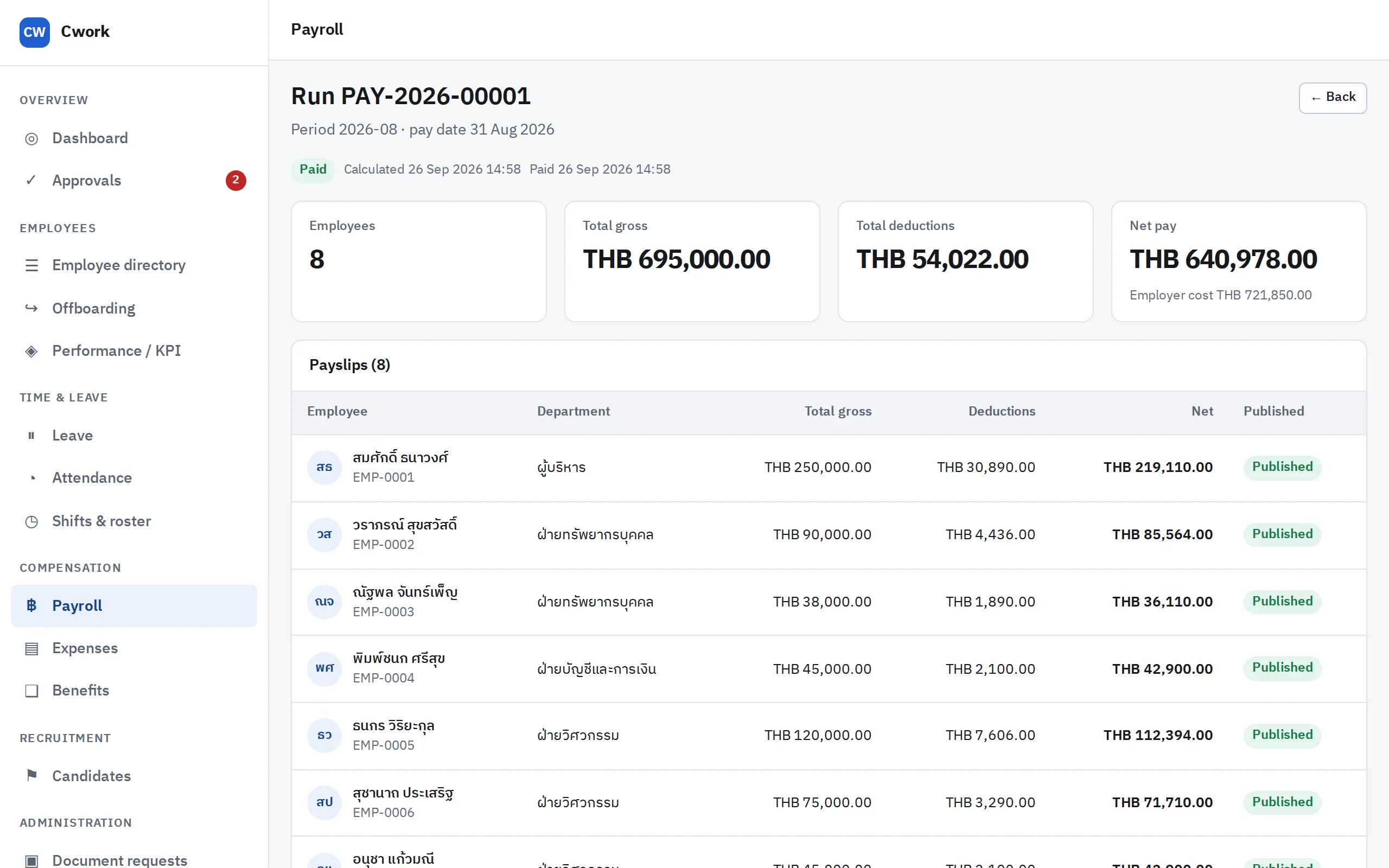
A closed payroll run, showing headcount, gross pay, deductions, net pay and each employee’s payslip

A closed run — gross pay, deductions, net pay and employer cost

Buddy punching, and sites with no signal

A friend clocks in for you, a location is faked, or a site worker loses signal and cannot clock in at all — and at month-end HR checks it all by hand.

How Cwork fixes it

  • Accounts bound to a deviceThe first phone an employee clocks in from is bound to them. A punch from any other device is flagged for review; moving the binding goes through HR and is audited.
  • Flag for review, never refuseA punch outside the fence or with a suspicious location is accepted with a flag. Someone who turned up to work can always clock in.
  • Offline punches, kept safeHeld in the phone’s encrypted storage and sent on reconnect. Rooted or jailbroken devices are detected, and a punch delivered too late needs confirming before it counts.
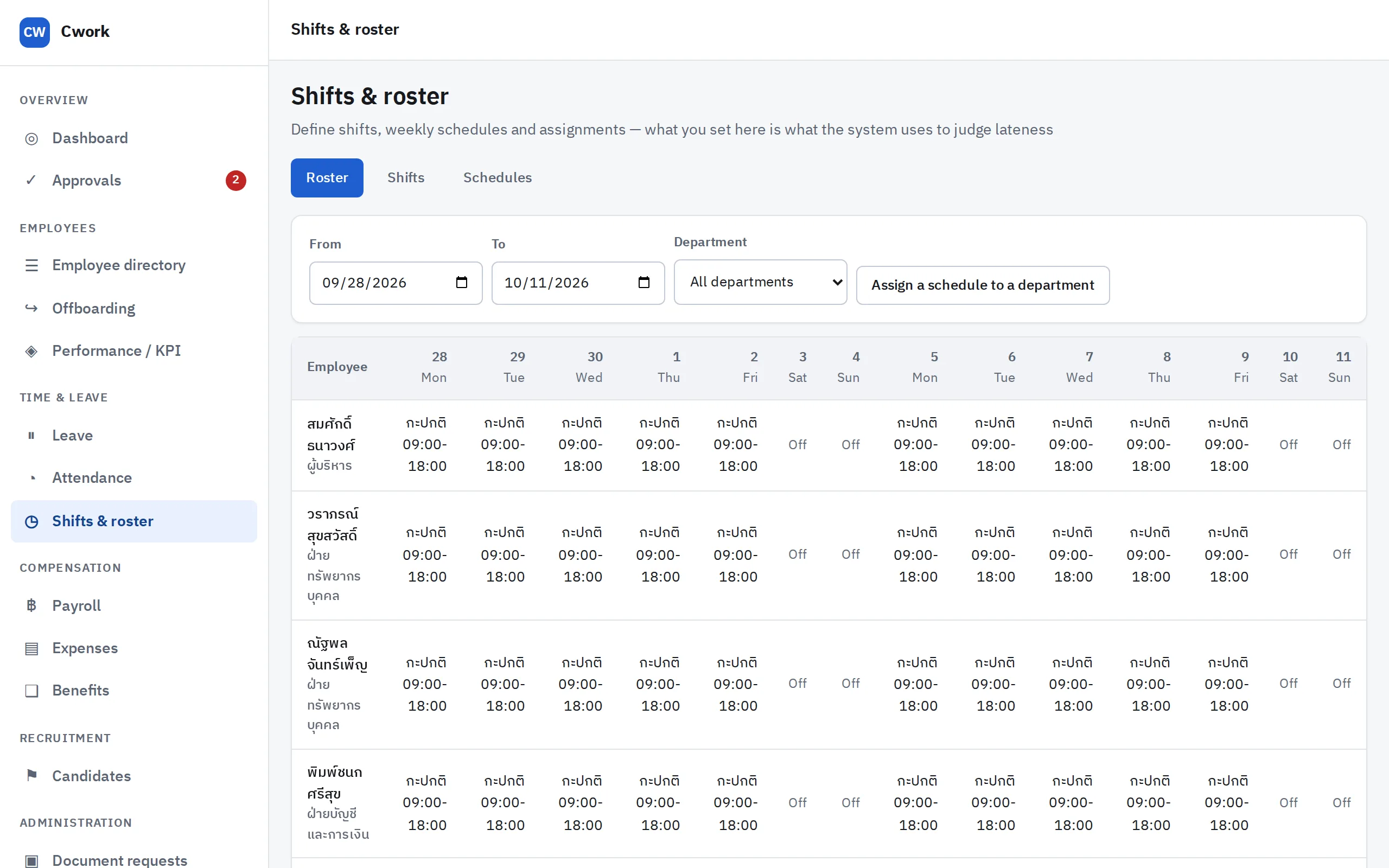
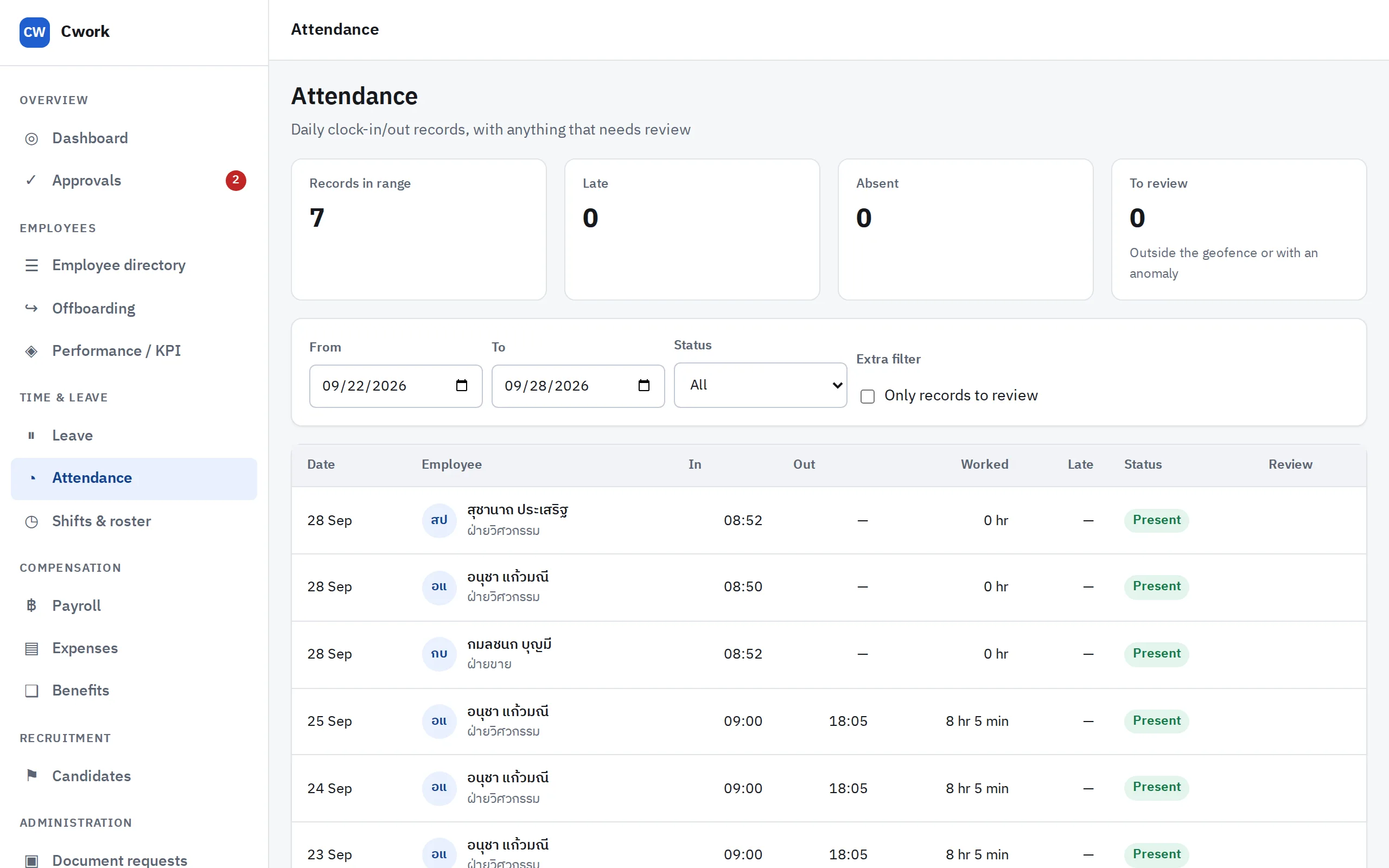
  • Shifts that lateness is really measured againstDefine shifts and rosters, and assign a whole department in one go.
  • Managers read a summary, not a list of flagsThe AI assistant groups flagged punches by location, so a fence drawn too tight reads differently from something worth asking about.
The shift roster, showing each employee’s shift by day, with days off

Shifts and roster — what you set here is what lateness is measured against

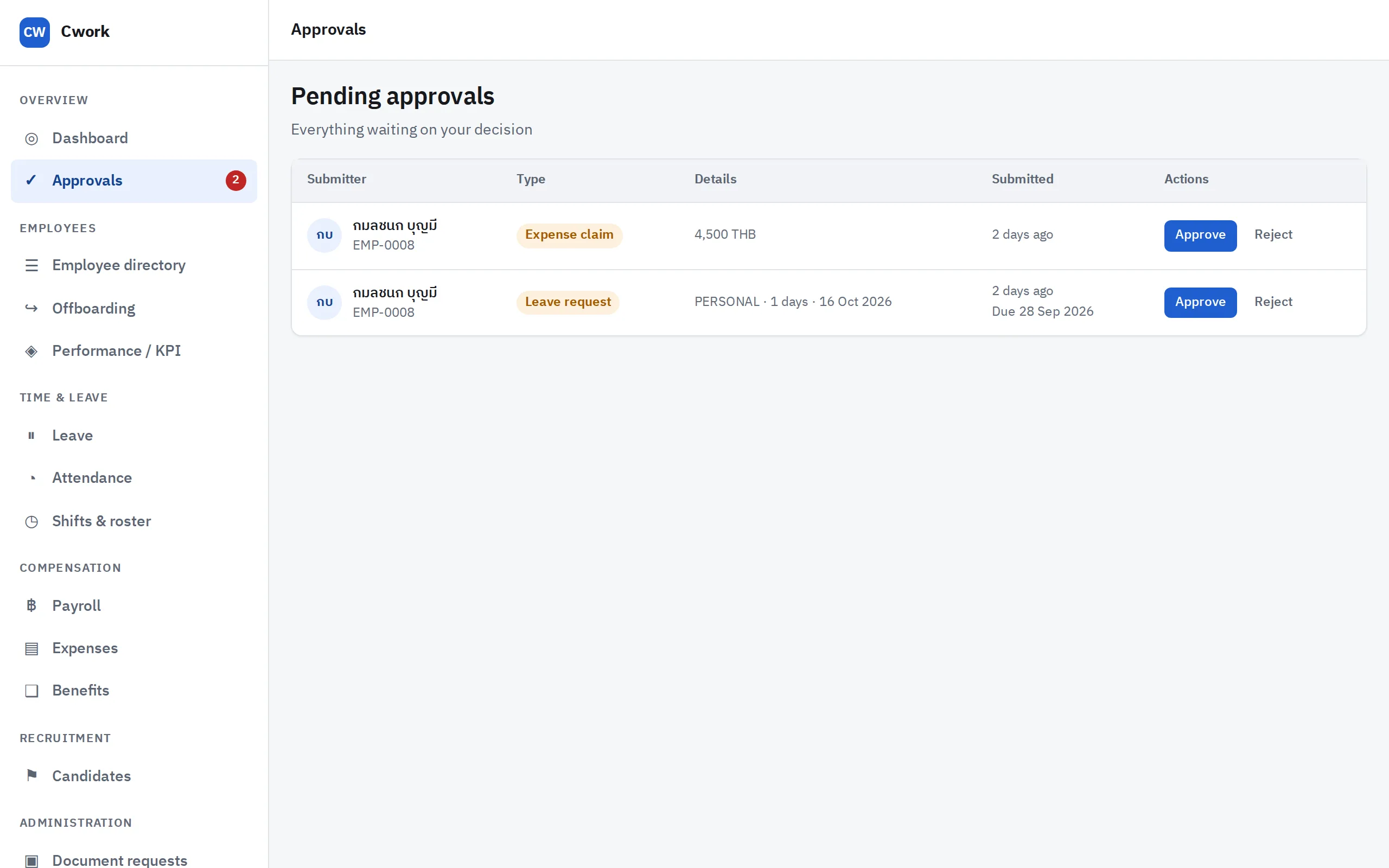
Requests stuck waiting for a signature

Leave requests in a chat, expense claims on paper, a manager out of the office — five-minute decisions wait a week, and nobody knows whose desk they are on.

How Cwork fixes it

  • One approval engine, nine request typesLeave, overtime, expenses, attendance corrections, resignations, headcount requests, offers, payroll runs and document requests.
  • Routes that follow your organisationSend to the line manager, the department head, a role or a named person, with amount thresholds and delegation.
  • Approve from a phone, with notificationsEmail and push go out at once, and a failed delivery is retried automatically.
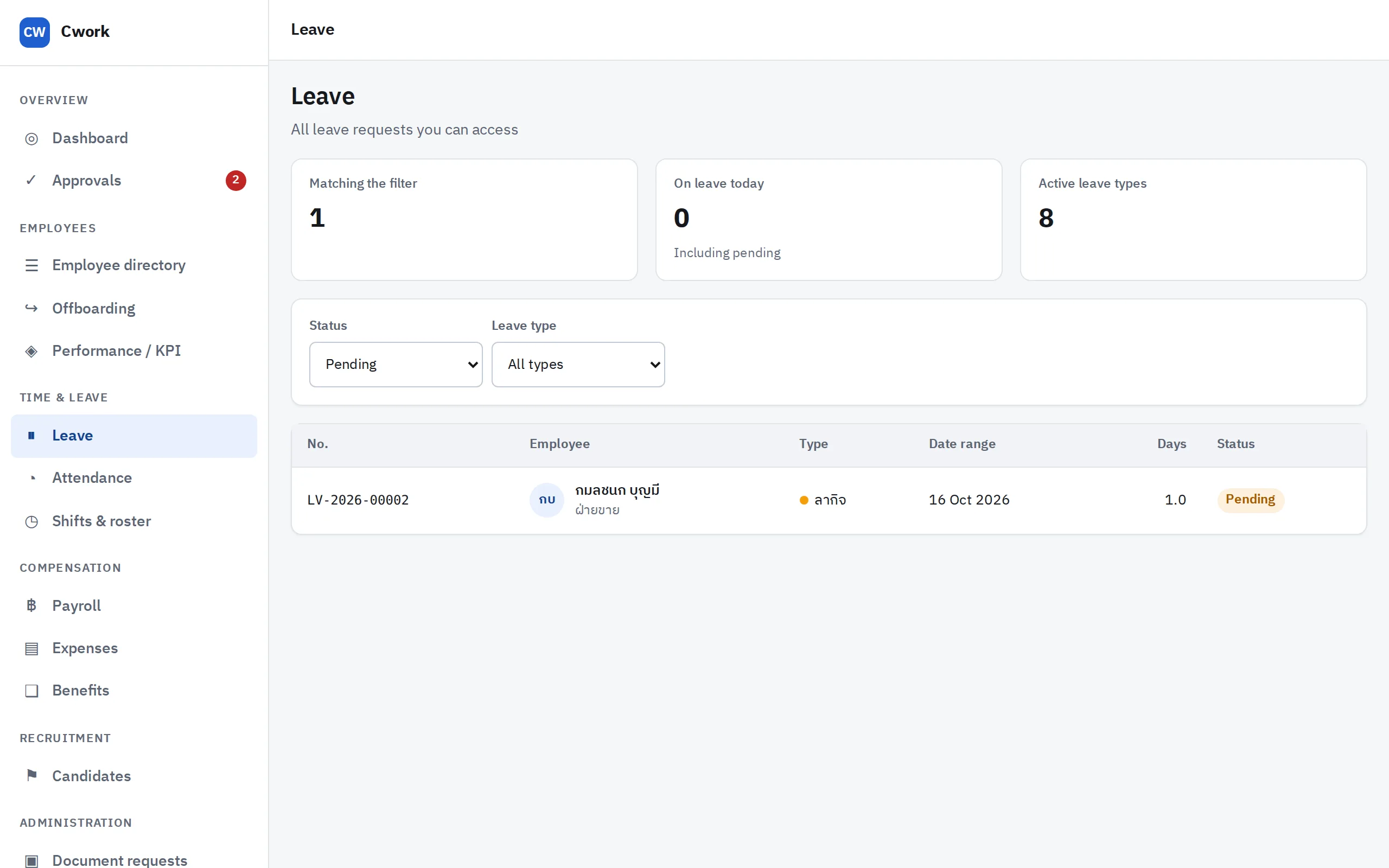
  • Leave balances never go negativeDays are reserved the moment a request is filed, so two requests cannot claim the same day — and weekends and public holidays are never counted.
  • Self-service certificatesEmployees request them; once approved they are issued as PDFs with a code that proves they are genuine.
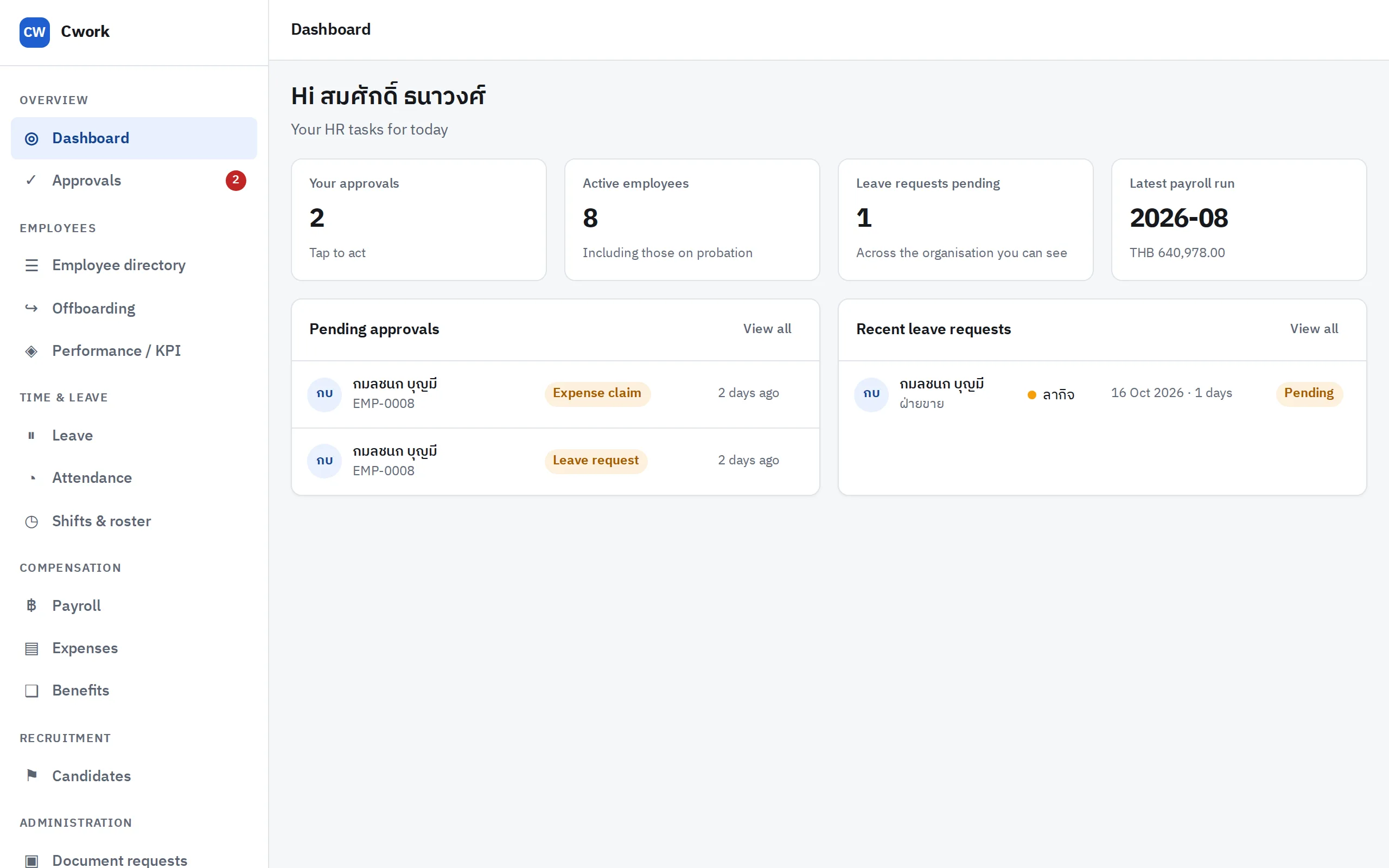
The approvals inbox, showing a leave request and an expense claim awaiting a decision

The approvals inbox — everything waiting on you, in one place

An employee data leak is a PDPA liability

National ID numbers, bank accounts and salaries are the most sensitive data a company holds — and they usually live in spreadsheets passed around by email. PDPA administrative fines go up to five million baht.

How Cwork fixes it

  • Sensitive fields encryptedNational IDs and bank account numbers are encrypted in the database; screens show only the last four digits.
  • A password alone is not enoughAccounts that can reach sensitive data or run payroll must use two-factor authentication.
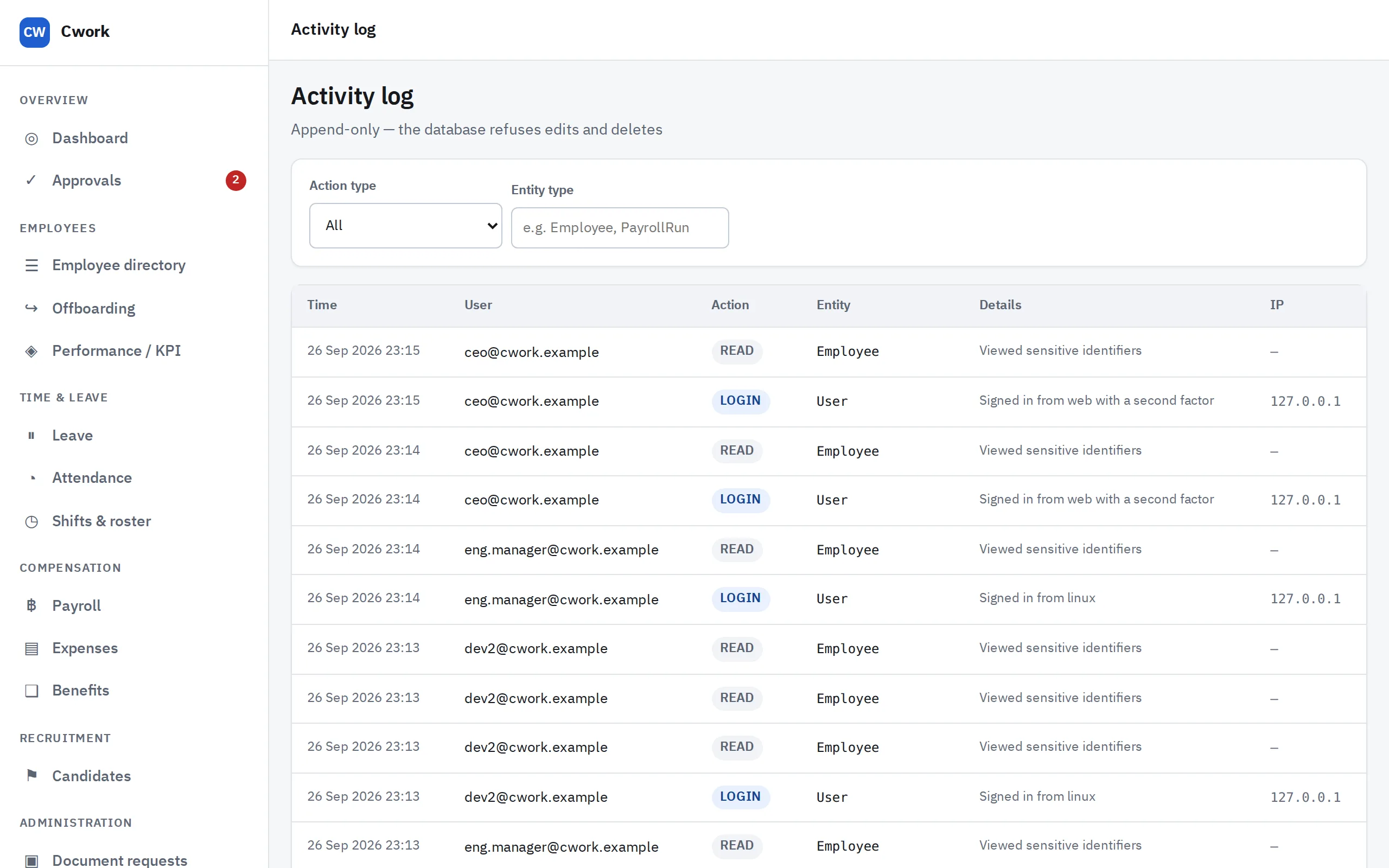
  • History even an administrator cannot rewriteThe audit log is append-only, enforced by the database rather than by application code.
  • Keep only what you needConsent is asked on the application form, unsuccessful candidates are erased after 12 months, and leavers past the retention period have their identifying data removed.
  • Nothing leaks through the logsSystem logs carry no salary, national ID, bank account or password — and a test proves it on every change.
  • Files scanned before they are keptEvery upload is sent for a malware scan first.
Read the full data protection document →
The audit log, showing who acted, what they did, and when, for every event in the system

The audit log — who did what, and when, and none of it can be edited

Systems that do not talk to each other

Hiring lives in email, the employee register in Excel, reviews in yet another spreadsheet — the same data typed three times, and none of it the single source of truth.

How Cwork fixes it

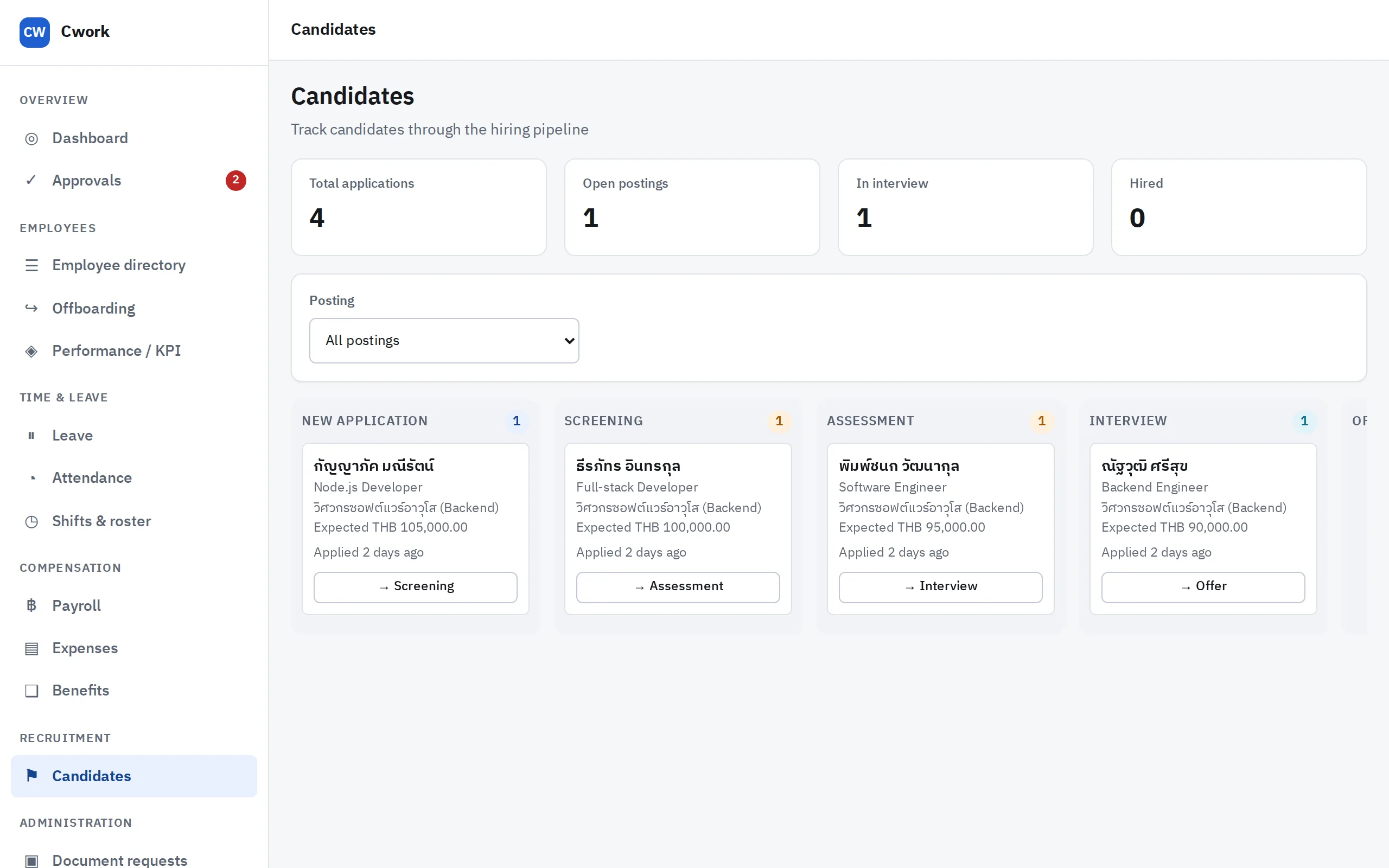
  • From applicant to employee in one clickHeadcount requests, a public careers page, auto-graded assessments, interviews with scorecards, and an offer that becomes an employee record.
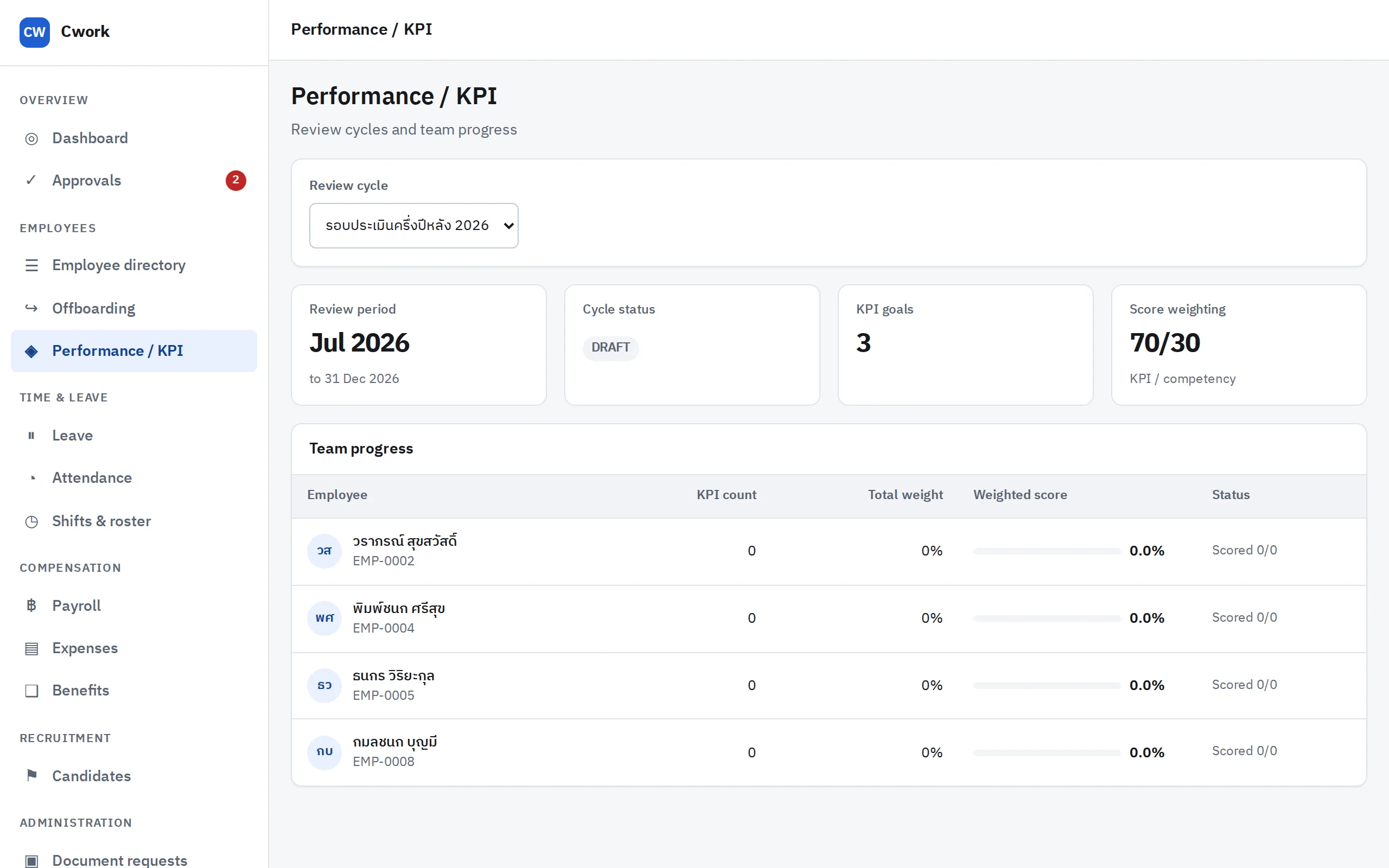
  • Fairer performance reviewsWeighted KPIs, mid-cycle check-ins, and organisation-wide grade calibration by HR.
  • Benefits that flow into payrollEnrol an employee in a plan and the next payroll run computes the employee and employer shares by itself.
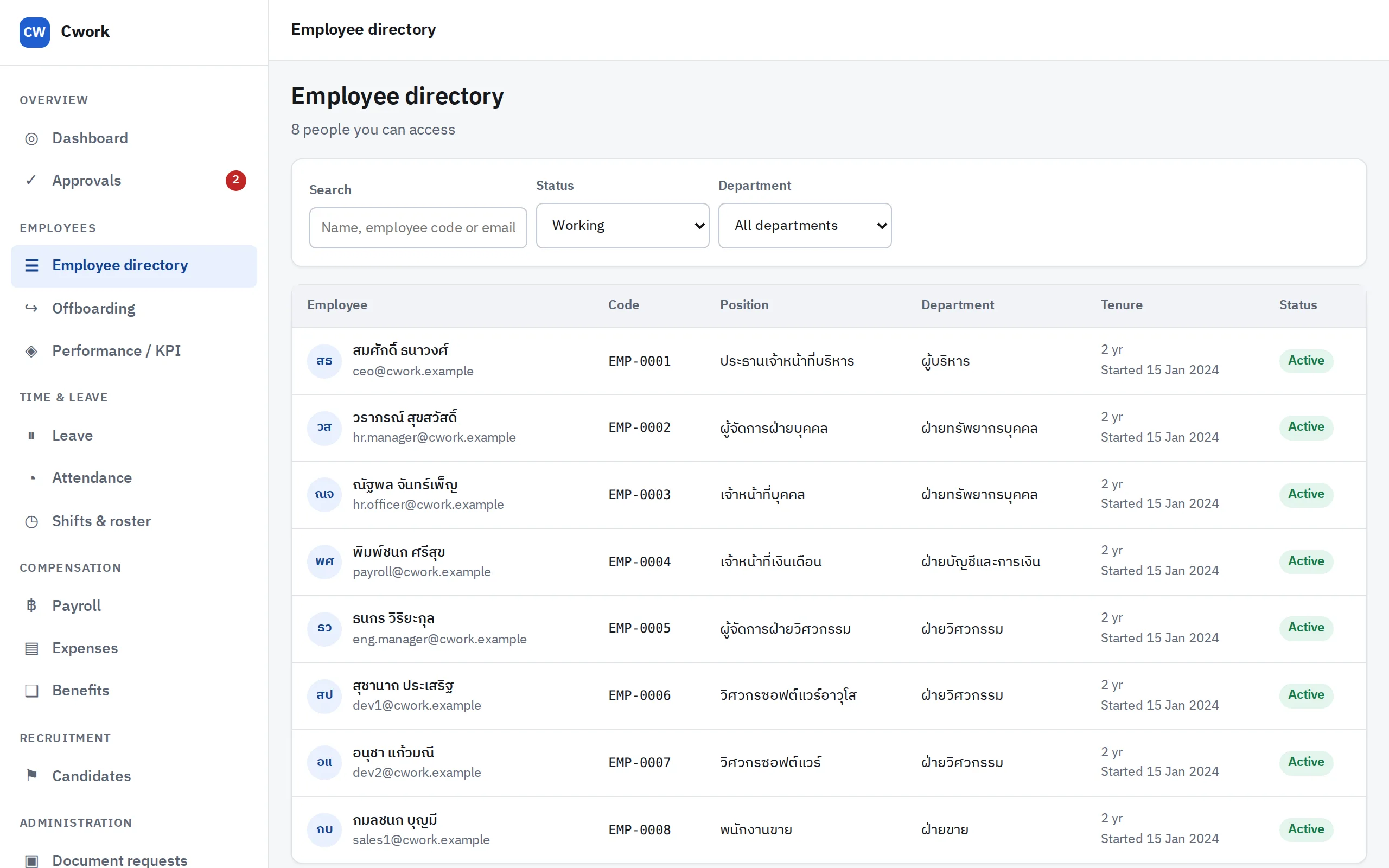
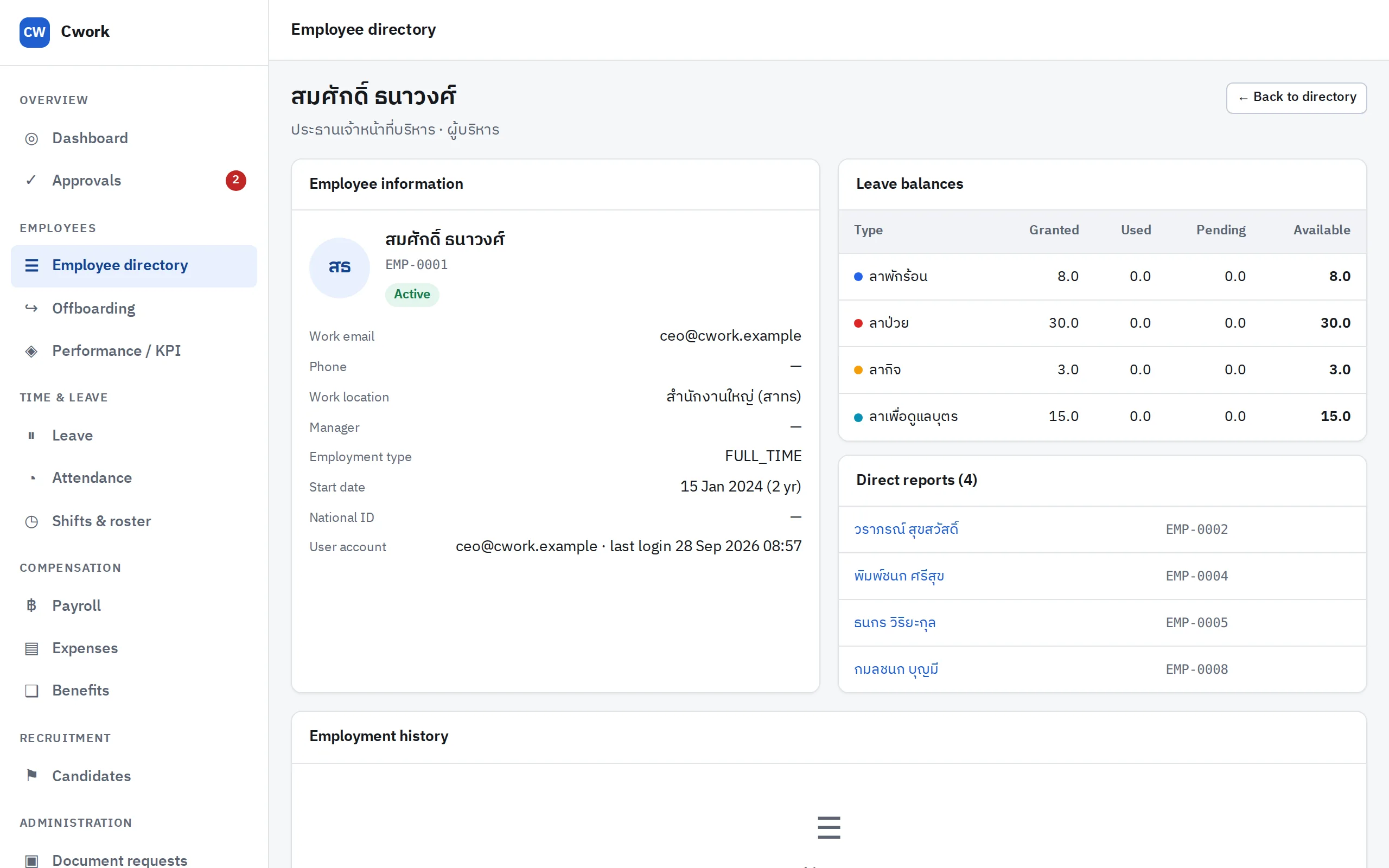
  • Orderly offboardingAn asset-return checklist, an exit interview, and a complete employment history.
  • Two languages, throughoutThai by default, English at the flip of a switch — web and app — for directors and auditors who do not read Thai.
The candidates page, showing open positions and applicants at each stage

Candidates — from application to offer

The screens

The screens HR opens every day

Captured from the running product with the demo company, and shown here in English: Thai is the default, and one switch turns the whole interface English.

Employee app

Built for phones that lose signal

Building sites, cold stores, the basement of a mall — the places people really clock in are often the places with no signal.

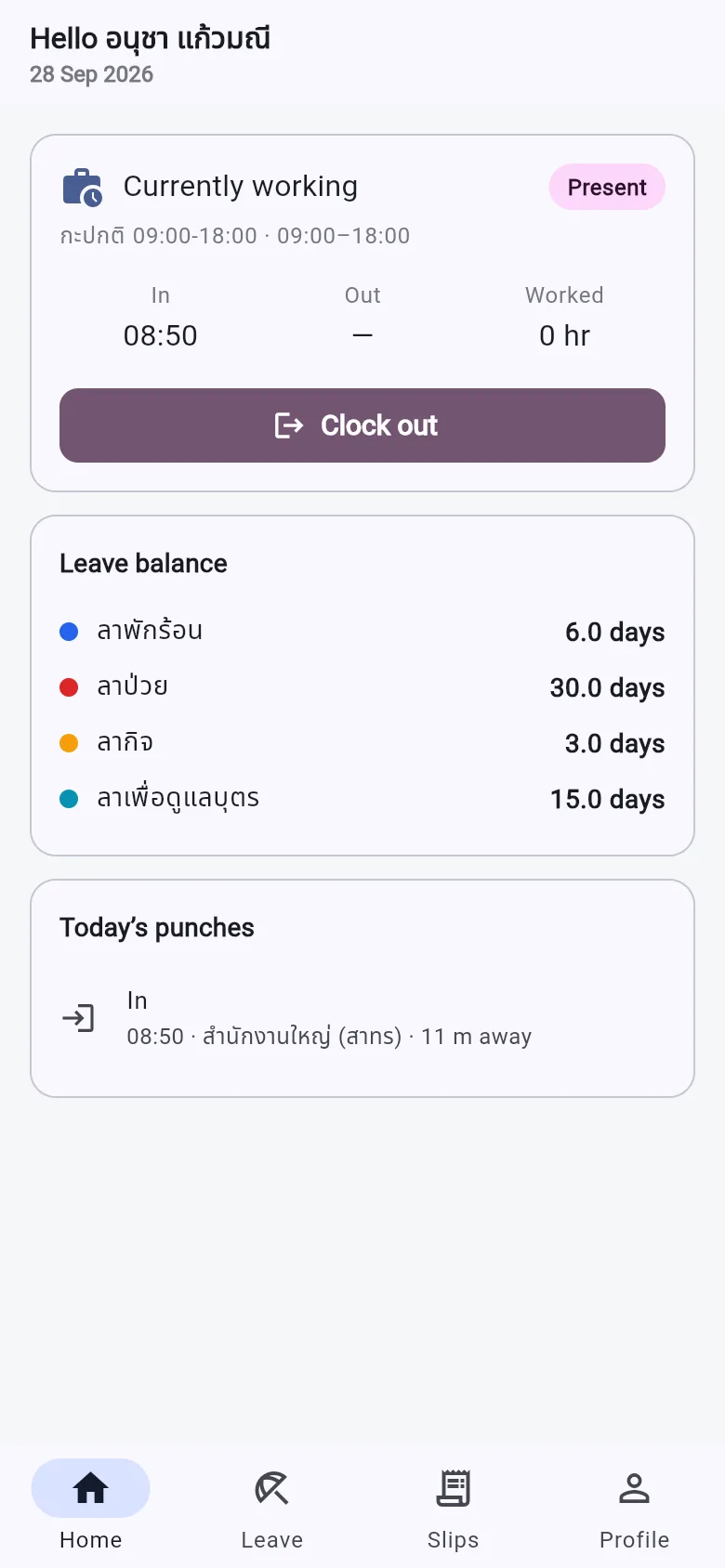
  • Clock in while offlineA punch that cannot be sent yet is kept, encrypted, on the phone and sent when the connection returns.
  • A retry is never a second punchEvery punch carries an id the phone generates, so the server knows a duplicate when it sees one.
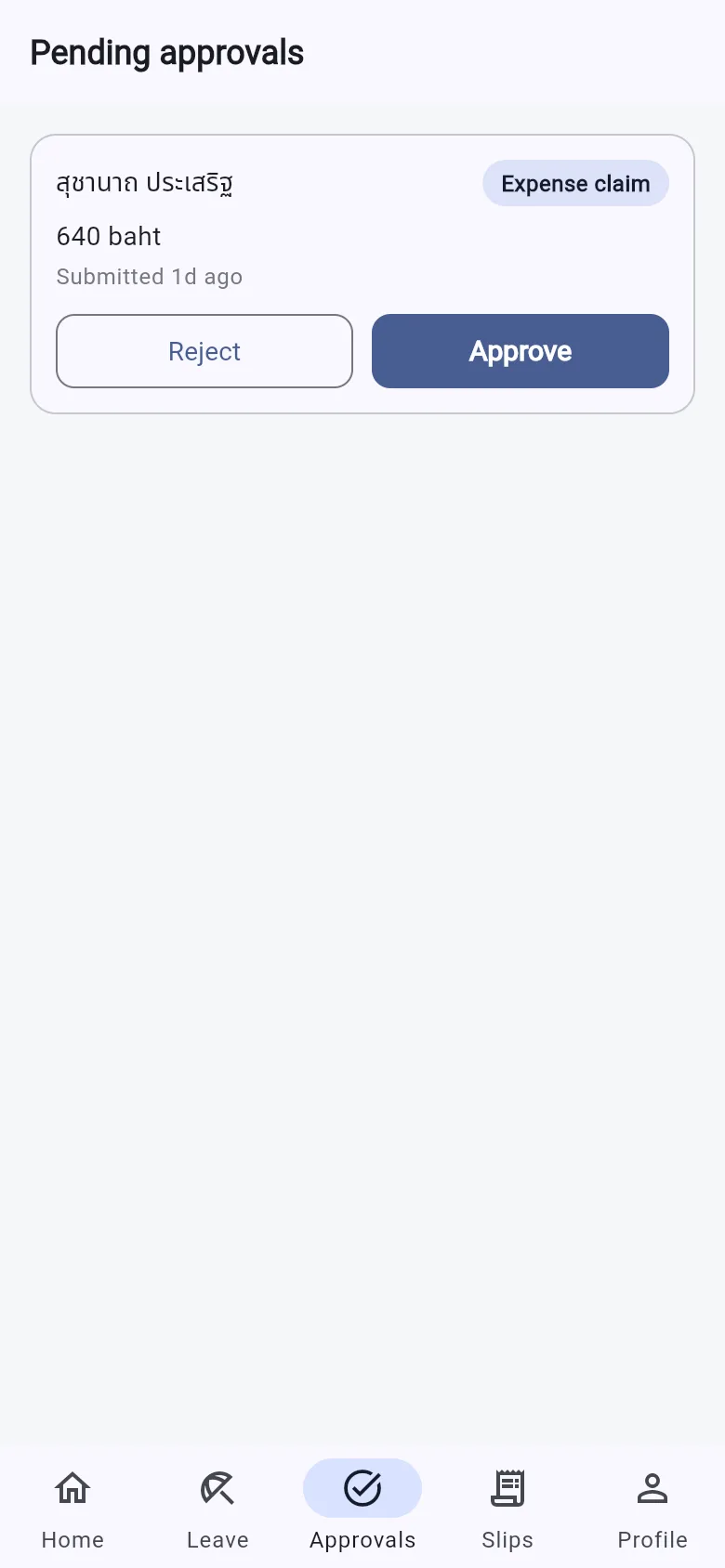
  • Payslips, leave and approvals in one appSupervisors approve from their phones instead of waiting to get back to a desk.
The employee app’s home screen after clocking in, with the office, the distance from it and leave balances A manager’s approvals on the phone, with approve and reject buttons
Trust

Rules even an administrator cannot break

A policy on paper can always be skipped, so Cwork writes the important rules into the system and lets the system say no.

規則 01

History cannot be rewritten

The database refuses to edit or delete past entries, even when the order comes from the application itself. An intruder can add rows, but cannot erase their tracks.

規則 02

Whoever prepares payroll cannot approve it

The payroll officer prepares the run, the HR manager approves it, and the system enforces the split.

規則 03

A password alone is not enough

Anyone who can read national IDs, run payroll or grant permissions must enter a code from an authenticator app — and each code works only once.

規則 04

Uploads are always scanned first

A CV uploaded by a stranger is the least trustworthy file in the system, and a scanner that is down never counts as a pass.

規則 05

A fresh install does not belong to whoever arrives first

The first administrator can only be created by a command on the server, or by a web page holding a one-time token that only that command can issue.

規則 06

The AI assistant sees no more than the person asking

No question can widen what it is allowed to see: even a successful trick reveals only what the asker could already see. And it is off by default.

Tested on every changeEvery business rule has unit tests, and an end-to-end suite drives the real API over HTTP in CI on every push.
Vulnerabilities fixed in the openReported through GitHub Security Advisories, fixed, released and announced.
Easy for IT to runStandard JSON logs, and /metrics for Prometheus on a port that is never published.
All of the code is openEvery line can be inspected — there is nothing you have to trust without seeing.
For IT

One machine, no team to run it

Forward this section to whoever looks after your servers. All it needs is one machine with Docker — no Redis, no message broker, no Kubernetes.

Prepare the machine and the secrets

Compose refuses to start until these keys are set.

$ cp .env.example .env $ openssl rand -base64 48 # JWT secrets $ openssl rand -base64 32 # data encryption key

Start the system, then create the database tables

Nothing is in the system yet at this step.

$ docker compose up -d --build $ docker compose run --rm --build migrate

Choose your path

Try it first — load a demo company with 8 employees, a closed payroll run, leave waiting for approval and candidates mid-pipeline. Every page has something on it.

$ docker compose run --rm migrate npm run db:seed

For real — create your own organisation and one administrator, with no sample data to clean out afterwards.

$ docker compose run --rm migrate npm run db:init

Open it

Go to http://localhost:8080 — the first administrator holds every permission, so the system makes them set up two-factor authentication before first use. Have an authenticator app ready.

Get started

Try it with a demo company in five minutes

Download it free and install it on your own machine. Every page comes with sample data to click through — from a leave request to a closed payroll run.